Chrome 156 brings random() to CSS
Chrome 156 adds CSS random() for decorative variety without JavaScript. Use it as progressive enhancement with a fixed fallback, and update Chrome for 353 security fixes.
 The Stacklumen team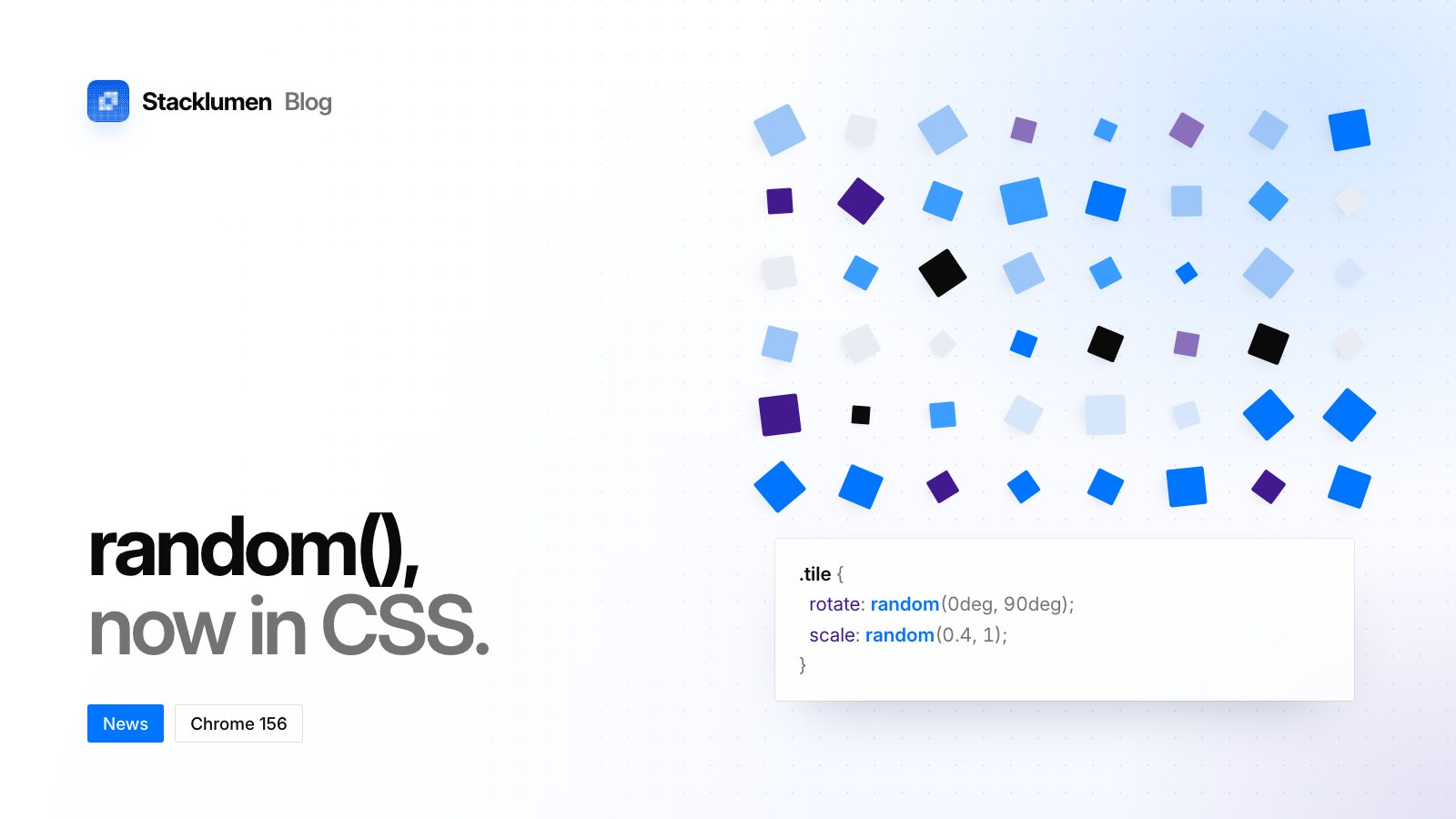
On this page
Chrome 156 was promoted to the stable channel for Windows, Mac and Linux on 20 October 2026, rolling out over the following days and weeks. For people who build websites, the headline is CSS random(): a stylesheet can now pick a value from a range without any JavaScript. The release also adds a pseudo-class for the link, button or form that started a navigation, new scrolling controls, and a fix that lets a failed module load be retried.
How random() works
random() returns a value between a minimum and a maximum, both inclusive. An optional last argument sets a step, so the result is always the minimum plus a whole number of steps. The values must all be the same type.
random(100px, 300px)can be 100px, 300px or anything between, such as 234.5pxrandom(100px, 300px, 50px)can only be 100px, 150px, 200px, 250px or 300pxrandom(50px, 180deg)is invalid, because a length and an angle are different types
By default, every random() gets its own value, on every element and in every property. The Chrome Status entry's example scatters dots across a container by giving each one top: random(0%, 100%) and left: random(0%, 100%).
To share a value, pass a key as the first argument. Under the current draft of the specification, every random() with the same name, such as --size, shares one value across every element that uses it. Write width: random(--size, 100px, 200px) and height: random(--size, 100px, 200px) and you get a square.
Support in other browsers
Safari shipped it first, and support is uneven:
- Safari has supported
random()since Safari 26.2, released in December 2025. - Safari 26.5 (May 2026) changed what a name means. Before it, a named value was scoped to each element; from 26.5, one name gives one value everywhere, and a new
element-scopedkeyword brings back a value per element. A visitor on Safari 26.2 to 26.4 can therefore see different results from the same named key. - Firefox has it only in preview builds, according to MDN's compatibility data.
- Chrome 156 supports the function, the step and named keys, according to the same data, but
element-scopedis not listed as shipped yet.
So treat random() as progressive enhancement. Declare a fixed value first and the random one after it: a browser that does not understand random() drops the second declaration and keeps the first.
rotate: 2deg;rotate: random(-4deg, 4deg, 1deg);
For a group of rules, test with @supports (order: random(1, 2)), as MDN's examples do.
Where random() fits on a real site
Use it for decoration that can vary without anyone losing anything: the tilt of photos in a stack, the positions of background shapes, small differences in animation delays so a grid of cards doesn't move in lockstep.
Keep it away from anything a reader depends on. A random colour can fail a contrast check on one page load and pass on the next. A random size can change where text wraps. Random motion should still respect a visitor's prefers-reduced-motion setting.
The rest of Chrome 156 for front-end work
:navigation-sourcematches the link, button or form that started a navigation, and keeps matching it until the navigation ends. The specification's example uses it to name the clicked link's thumbnail for a view transition. MDN lists it in Chrome only.- Single-axis scroll containers:
overflowcan pair a scrolling value withclip, as inoverflow: scroll clip. Aposition: stickyelement can then be held by a different scrolling ancestor on each axis. scroll-snap-type: pair: when a container snaps to an element on one axis, it snaps to the same element on the other. MDN lists it in Chrome only.- Failed module loads are no longer cached, so calling
import()again after a network failure retries the load instead of failing at once. Chrome Status records Firefox and Safari as already shipping this behaviour. - IndexedDB now keeps new data stores in a SQLite-based backend. The Web API is unchanged, and existing data stays where it is until a later step migrates it.
- WebTransport can send custom request headers and read the server's response headers.
- Fenced frames begin their removal: in 156 the element and the
window.fenceAPIs are reduced to stubs.
What to do now
- Update Chrome. The stable release includes 353 security fixes, six of them rated Critical. About Chrome, in Chrome's settings, checks for it.
- Try
random()on decorative details only, always with a fixed value declared first. - Don't rely on what a named key shares while visitors on Safari 26.2 to 26.4 still appear in your analytics.
- Pin random values in visual regression tests with a test stylesheet, or screenshots will differ from run to run.
- If an offline web app depends on IndexedDB, test it in Chrome 156 with a fresh profile, where its data will use the new backend.
- If your organisation relied on the
LocalNetworkAccessRestrictionsTemporaryOptOutpolicy, it is removed in Chrome 156.
Sources
- Chrome 156 release notes, Chrome Status
- Stable Channel Update for Desktop, Chrome Releases, 20 October 2026
- CSS Values and Units Level 5: random(), editor's draft
- CSS Navigation Level 1: :navigation-source, editor's draft
- WebKit Features for Safari 26.2
- WebKit Features for Safari 26.5
- random(), MDN
- MDN browser compatibility data