A Alvarez & Co Tom Alvarez TA
$6.5K No close date
$650 weighted SKEvery web build we deliver is designed, published and handed over in Terminal.
Start a projectNeed a person? Support replies within one business day.
SupportClient sites built natively in Terminal, our own site builder — with real classes your team can edit — and custom applications for when the work outgrows a website.
Inspector h1
h1.hero-title3
Typography
FontInter
Line height1.04
Colour#0b1220
3 elements across the site use this class. A change here reaches every one of them.
One class, every page: a change to .hero-title reaches each heading that carries it. We build this way in Terminal.
$3,000
Web builds start at
3 business days
To a fixed written proposal
Terminal
Built natively
60 days
Of post-launch support, included
We build client sites in Terminal, the site builder inside Stacklumen, and the rule is simple. Every element is styled with real classes, and nothing is held together by code embeds, so your team can edit any page without filing a ticket.
Native classes and components throughout, so marketing can change copy, swap images and publish new pages without a developer in the loop. The editor stays readable to whoever opens it next.
Collections for work, posts, team and docs — modelled once and reused across templates. Adding the fortieth case study costs the same as adding the fourth.
Styling lives in real classes, not in a block of CSS pasted into an embed. Embed CSS is invisible to the editor and to the next person, which is how sites become unmaintainable.
Terminal publishes to a staging link and then the site’s own domain, and keeps every deployment, so a rollback is one step. The proposal says what we recommend and why.
Clean markup, right-sized images, and a stylesheet that stays small as the site grows. Speed is a consequence of construction, not a plugin you add at the end.
Some work needs accounts, payments, dashboards or real data behind it. That is an application, and we build it as one rather than bending a website into the shape of something it was never meant to do.
Lumen Dental $12.0K in Contacted, day 17.
Nothing booked next.
Won. Lumen Dental is a client now.
Team only. Clients never see notes.
Server-rendered where it matters, interactive where it helps, and served from the same domain as your marketing site rather than a subdomain of its own.
Clerk for authentication, Stripe for payments, Supabase for data. Proven pieces, wired carefully, so there is nothing exotic to maintain later.
The marketing site and the application share one visual language, so moving between them never feels like changing companies.
Nothing here was chosen for novelty. Each piece earns its place by removing work later — either yours, or ours on your behalf.
Terminal is the site builder inside Stacklumen: a canvas over real HTML and CSS, four breakpoint layers you author rather than preview, CMS collections, and a publish button that puts the site on a staging link and then its own domain. Every deployment is kept, so rolling back is one step.
How Terminal works →Astro renders on the server by default and ships almost no JavaScript, so pages arrive fast. React is used only where interaction genuinely needs it — dashboards, forms, live state. TypeScript end to end, so the application and the data it reads agree with each other.
See the portfolio →Clerk handles accounts, Stripe handles billing, Supabase handles data. Each is a problem we deliberately do not rebuild — authentication and payments are where custom code goes wrong most expensively. Your budget goes into the part of the product only you can build.
How we work →No black box, and no surprise invoice at the end. You see the work every week, and the scope is written down before anyone starts.



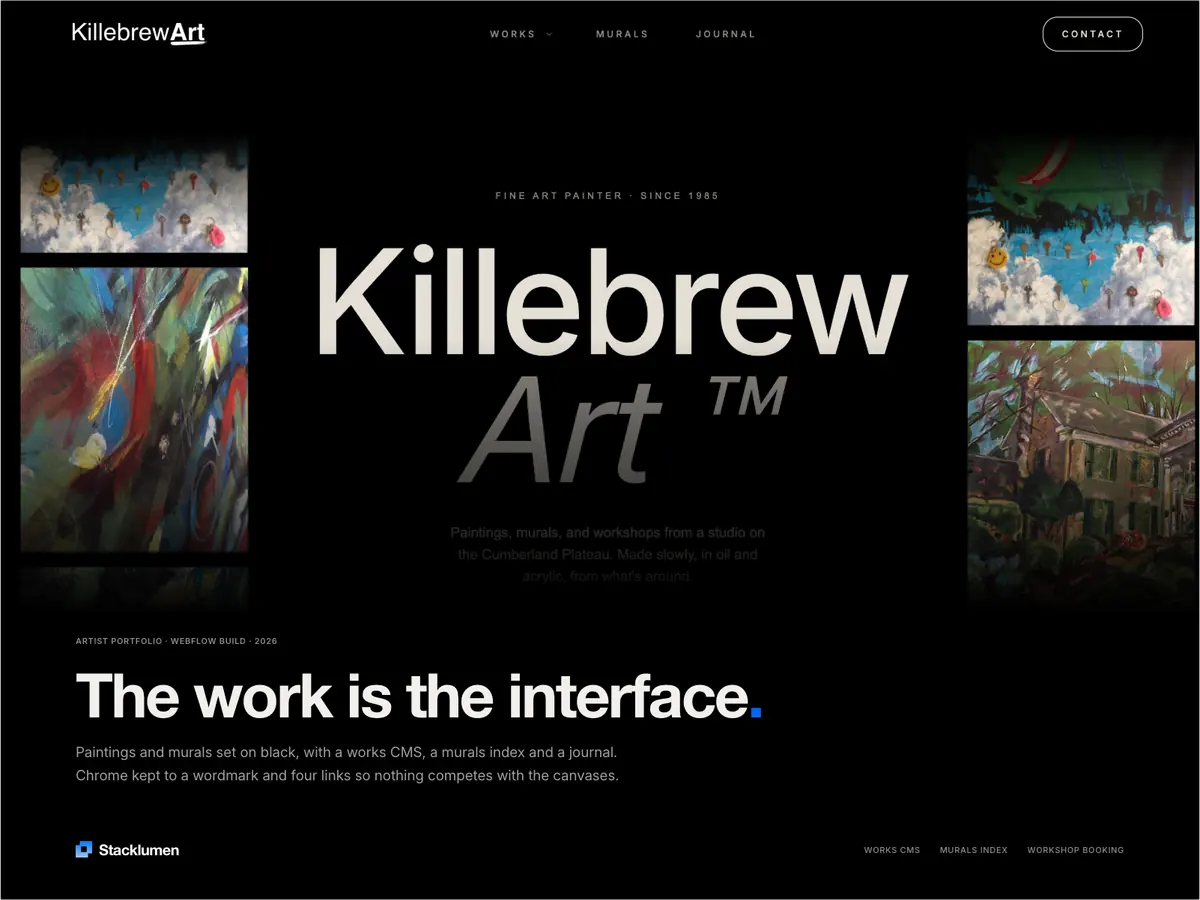
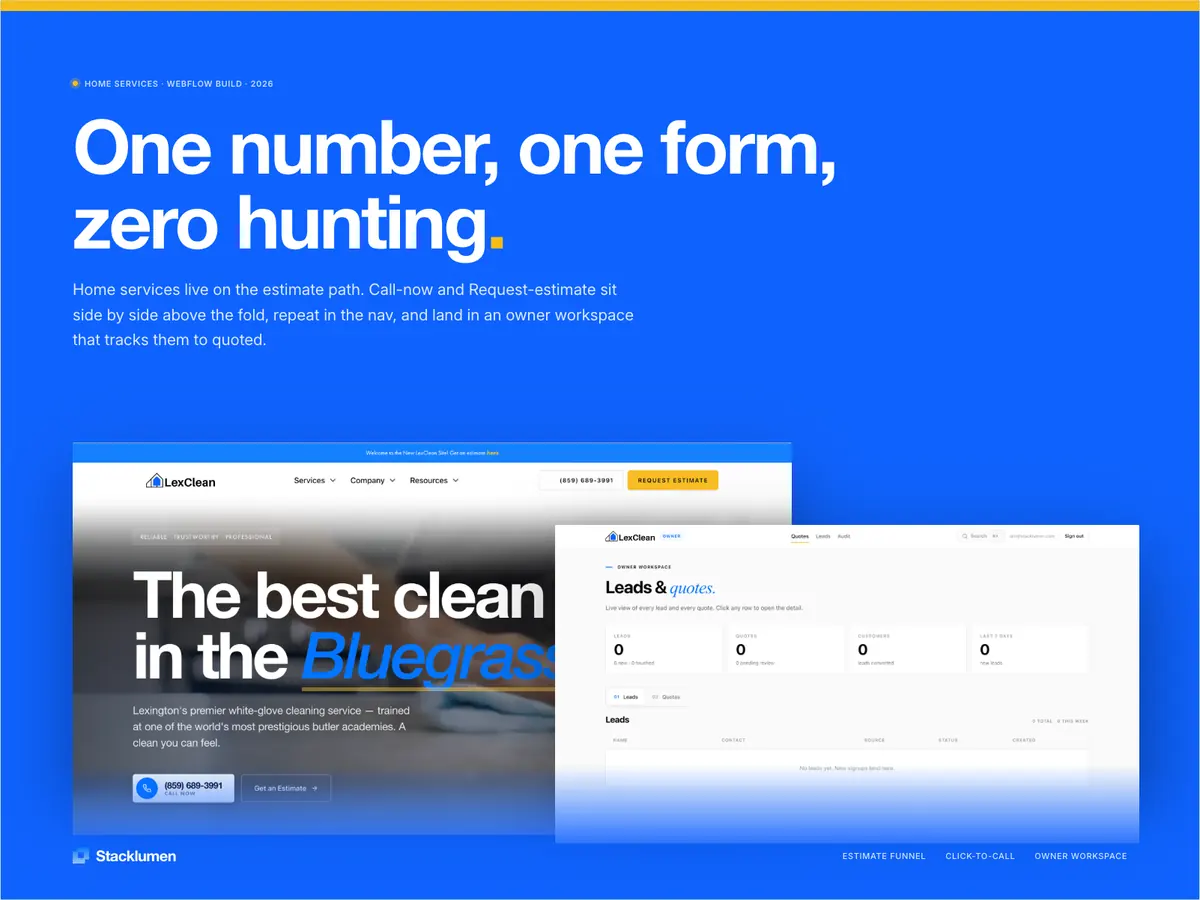
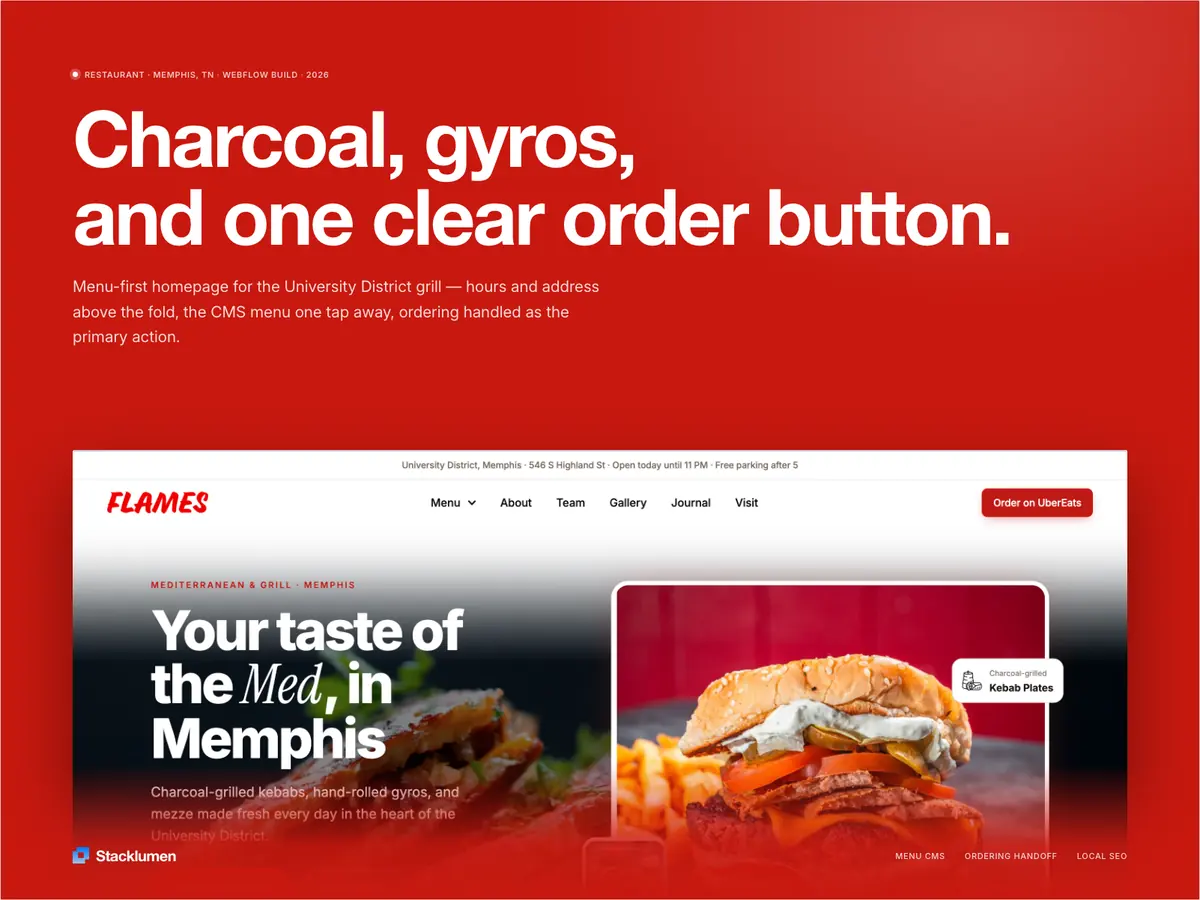
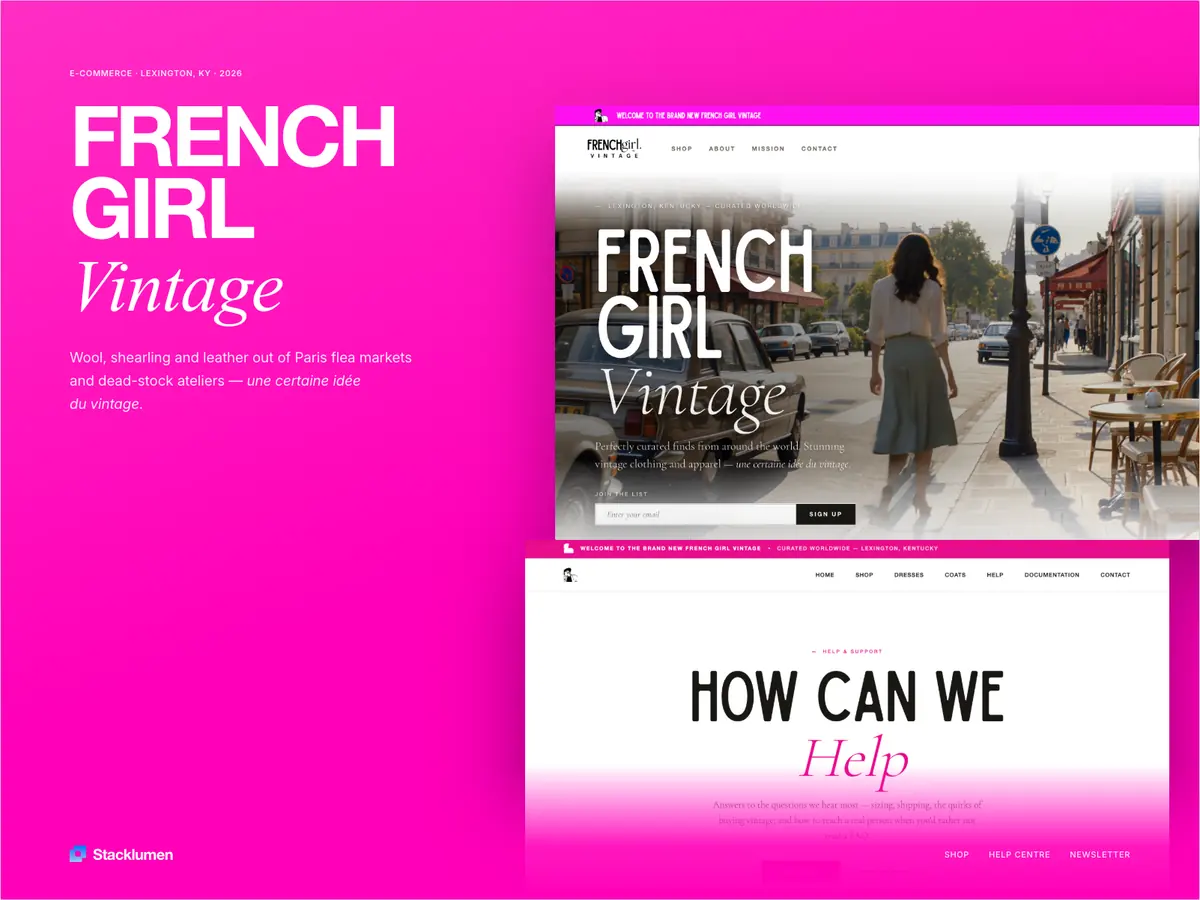
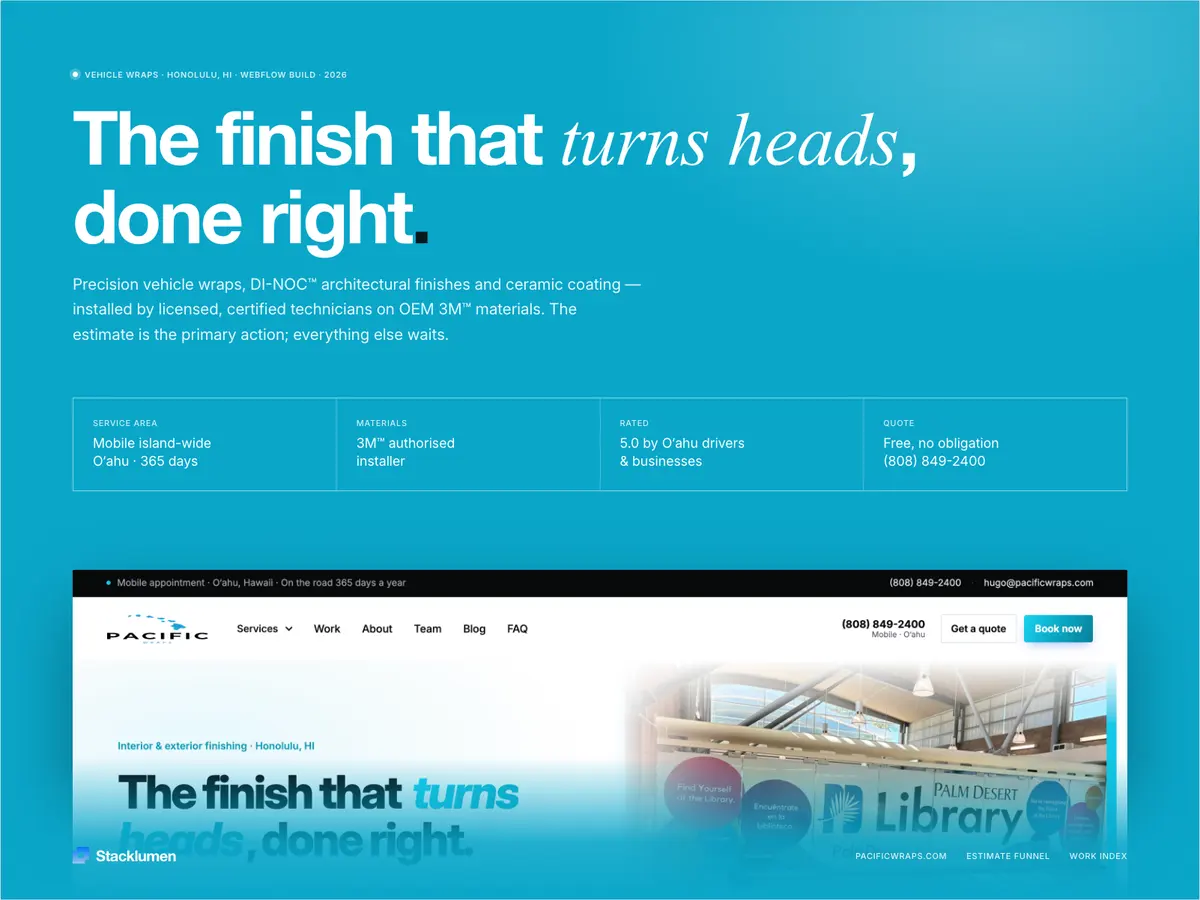
Every site below is live. Open any one for the scope, the stack behind it, and what actually changed for the client.
You get a fixed scope and timeline back within 3 business days — or an honest no if we are not the right fit for it.