Import a repository, then edit it visually
Import an Astro, Next.js or React project from GitHub into Terminal, edit it in the designer, and send your changes back as pull requests that contain only what you changed.
 The Stacklumen team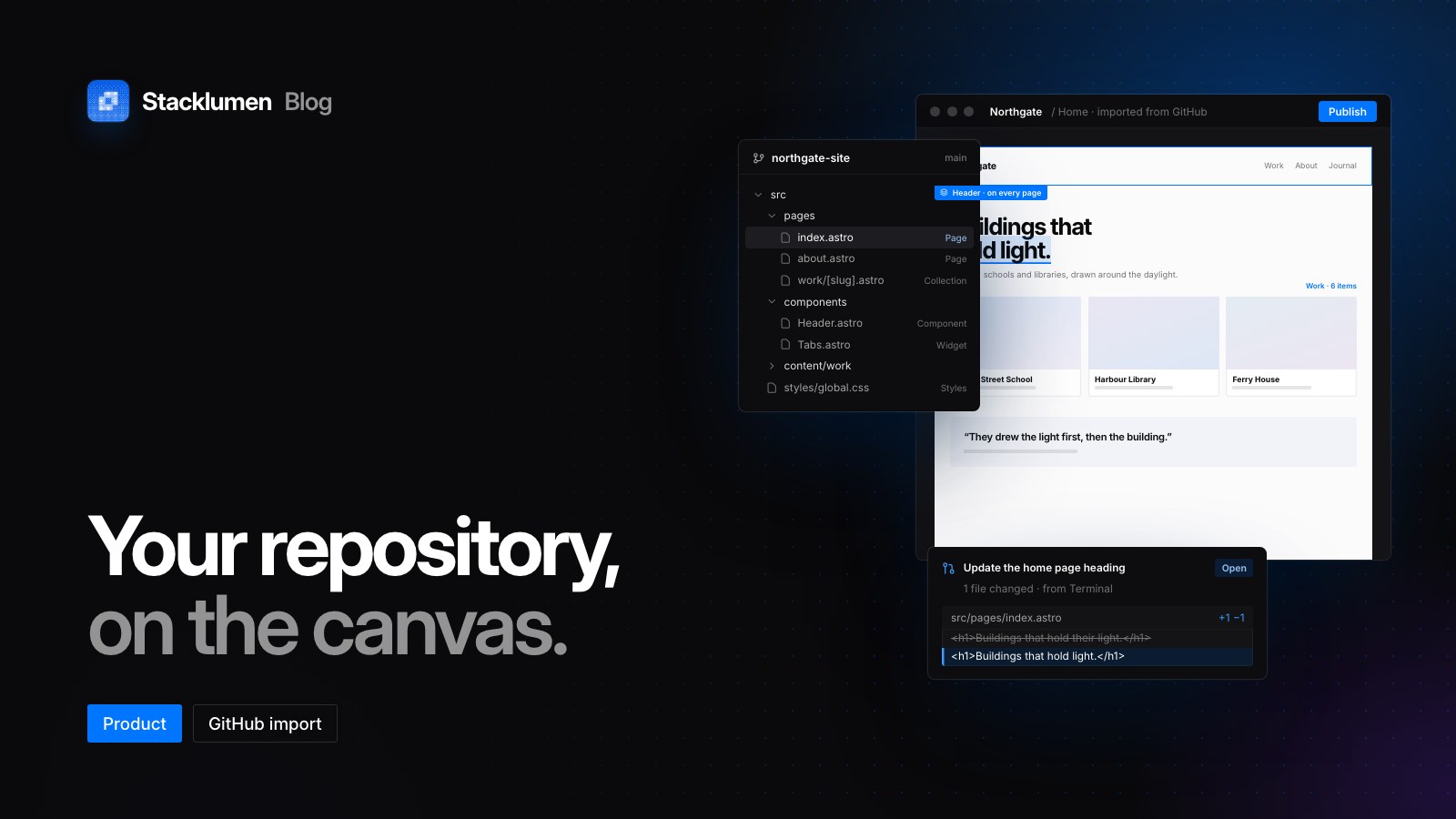
On this page
Terminal can now take a website's code from a GitHub repository, turn it into pages you edit in the designer, and send what you change back to the repository as a pull request. That matters to anyone who looks after a coded site: an agency that inherits an Astro or Next.js project, or a developer who wants a client or colleague to change copy and layout without touching the code. This post gathers the importer changes we have shipped since 6 October.
What the importer reads
The import reads the linked branch at its latest commit and turns the project's routes into pages, reading only the files those pages use. It understands:
- Astro: pages, layouts and components, with Astro's scoped styles, and React islands inside Astro pages
- Next.js: the app router, each page inside its nested layouts, or the pages router through
_app - Vite with React Router: a page per route, inside its layout routes
- Plain HTML: each file becomes a page
SvelteKit, Nuxt, Remix and React Router (framework mode) projects have their routes listed, and their pages come in as the repository's live website serves them.
The importer works from the source. It reads the code and works out what each page renders: props and their defaults, a component's first render, class lists built with cn or clsx, and .map over known lists. Anything only running code could know is left as it renders at rest, and the import report lists it with its file and line.
Pages and content land as visitors see them
Before you import, give the repository a Website in its About settings on GitHub. The importer then reads each page where that address serves it as well as from the source, and where the two differ but plainly belong to the same site, the served page lands with its built styles and images.
A project with more than eight routes, or any route that is not a plain page, opens a page picker. It sorts routes into pages, templates, app screens behind a sign-in, and redirects and files. Pages and templates are ticked, and the button says what it brings, such as "Import 70 pages and 8 templates". Saves travel compressed, so a site of seventy marketing pages lands in one go.
The site's look comes with it. The repository's root variables become the site's variables, and a site with its own light and dark theme keeps both, so a visitor with a dark system setting sees the real dark theme rather than an inverted copy.
Astro content collections become collections in Terminal's CMS, every item at the address the repository published it at. A dynamic route such as src/pages/blog/[slug].astro becomes that collection's template page, bound to the item's fields, and a listing that maps over a collection becomes a Collection list. Each page's title, description and share card fill its SEO fields.
Shared parts and scripts become native
The header, banner and footer that a site's pages share land as one component, so one edit changes every page. Scroll reveals, menu scripts, tab sets and monthly/yearly price switches become native interactions and tabs, and a mega menu that a page's own script opened becomes a native dropdown.
A script is converted only when it and the native version, played through the same clicks, keys and scrolls, leave every element exactly alike. The original is kept, switched off, under Interact → Scripts, one click from coming back. Where conversion is not safe, sliders, lightboxes and media scripts stay on their original code and keep working.
Edits go back as pull requests
Propose edits as a pull request reads the source at the commit the site was imported from and writes each visual change as the smallest edit to the file and line the element came from. It goes on a new branch, with a pull request into the linked branch. Nothing lands on the branch itself: your developers review and merge on GitHub.
An untouched import proposes nothing. Change a heading that a component receives as a prop, and the prop is edited where the component is used; change a token in Variables, and it is written back where the source declared it. Anything that cannot be written back, such as a value the code computes or an element a loop repeats, is listed in the pull request with its file and line.
GitHub push and pull are different: they keep a site you build in Terminal in a repository, as files such as pages/*.html, styles.css and terminal.json, and only owners and admins can link a repository and push. Import starts from a project your developers own, and owners, admins and members can import and propose pull requests.
Importing again
Importing again brings earlier pages up to date where they stand, leaves unchanged ones alone, and keeps the changes you made to imported styles.
Since 21 October, the GitHub tab also offers Re-import latest commit, for pages an older importer brought in that don't look or run right. It reads the same routes again and replaces every page they make, edits made in Terminal included, and the repository's styles land fresh. It asks first, and undo takes it back.
Where to find it
- Open a site in the designer and choose Developers at the right end of the bottom rail (
⌘JorCtrl+J), then GitHub. - Connect GitHub installs the Stacklumen app on the repositories you choose. Link the site to a repository, a branch and, if you like, a folder, then choose Import pages from the repository.
- One read takes at most 5,000 files, 2 MB each and 48 MB in all. For a larger repository, link the site to a smaller folder.
- The full reference is in the docs under GitHub: push, pull and import, and each importer release is on the changelog.