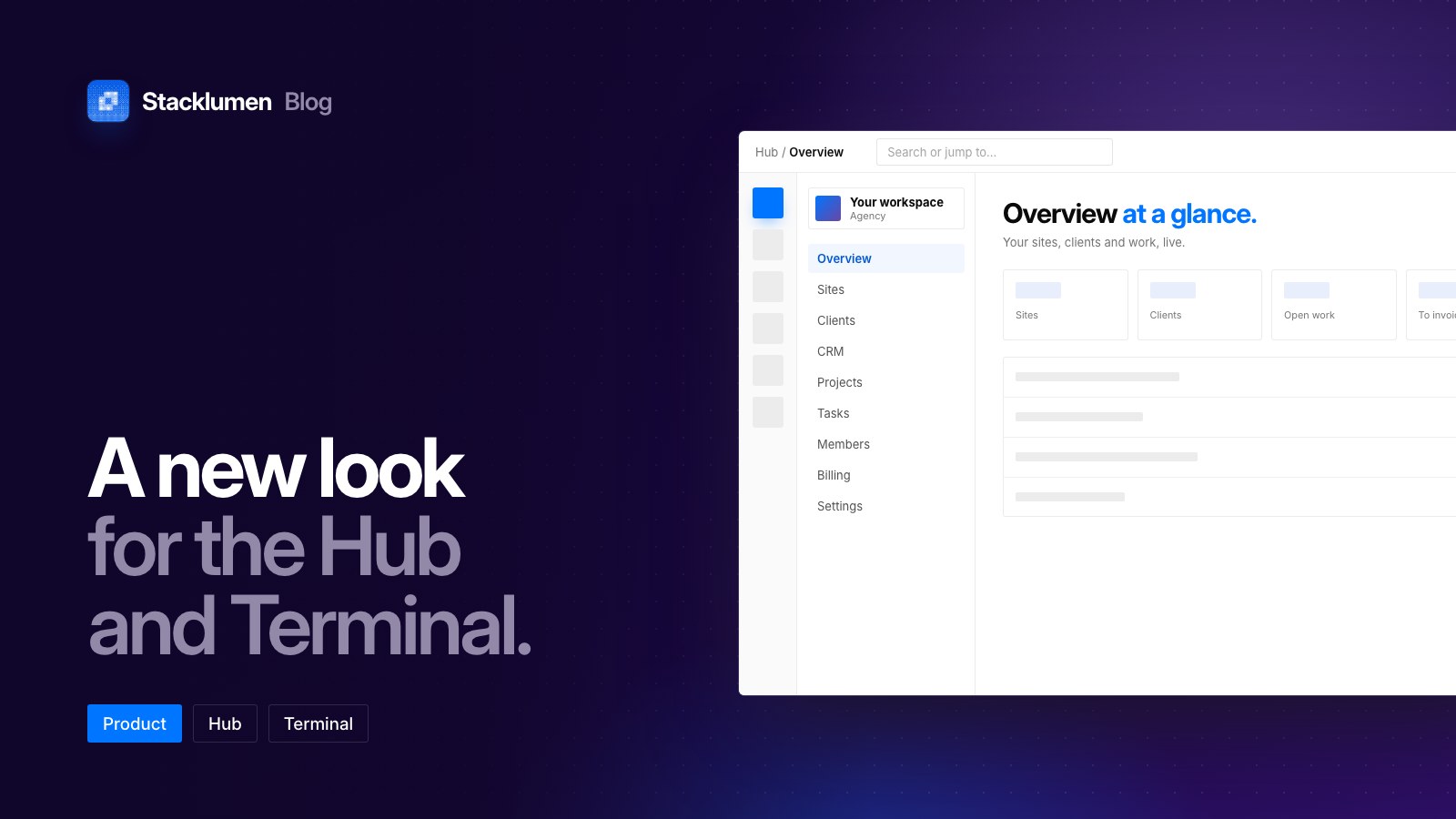
The Hub and Terminal now work on a phone
Every Hub screen and every screen of Terminal’s dashboard now opens on a phone or a tablet, laid out for the width it has. Add Stacklumen to your home screen and it opens like an app.
 The Stacklumen team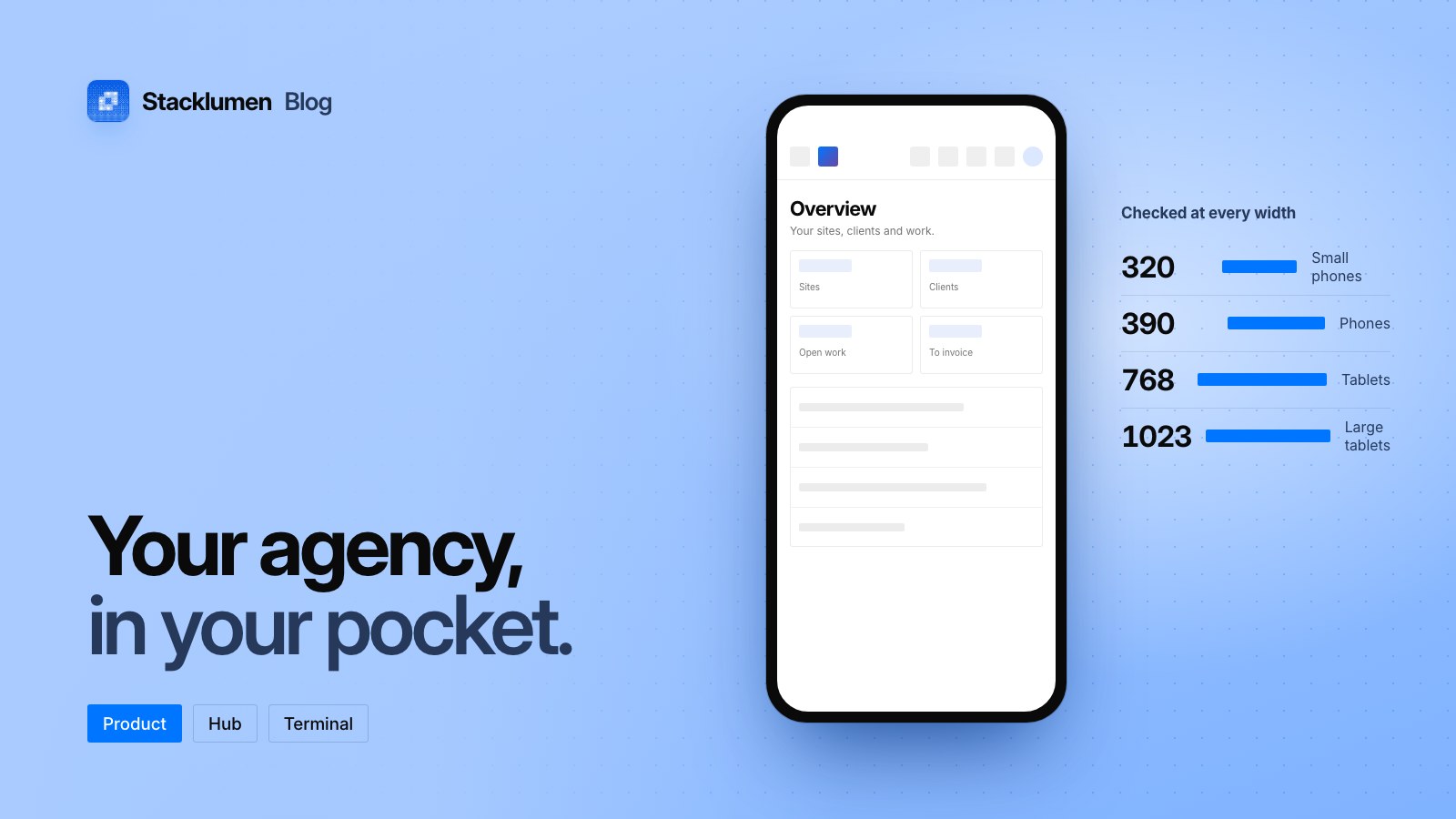
On this page
Every Hub screen and every screen of Terminal's dashboard now opens on a phone or a tablet, laid out for the width it has. Only the designer, and a client's editor, still ask for a bigger screen.
Add it to your home screen
Add Stacklumen to your phone's home screen and it opens like an app. It runs full screen, starts on your dashboard and uses the same icon, and the status bar takes the colour of the app's own bar.
A bar that fits
On a phone the top bar keeps what you reach for most:
- the menu, search and the agent;
- what needs you, the bell and your account.
Help, the roadmap, the other apps, light and dark, and refresh move into the account menu, so nothing is lost.
Screens laid out for their width
- Figures pair up rather than squeezing four to a row.
- Tables scroll sideways inside their own panels, so the page itself never runs past the edge.
- Fields read at a size that stops a phone zooming in when you tap them.
- The CRM's swipe strip, client search, members and invitations, the New site wizard and Tasks all have layouts made for a phone.
Every Hub and Terminal screen was checked at 320, 360, 390, 768, 834 and 1023 pixels wide, and none runs past the edge.
Where to find it
- Open stacklumen.com/app on your phone and sign in.
- The changelog entry lists what works where.