The challenge
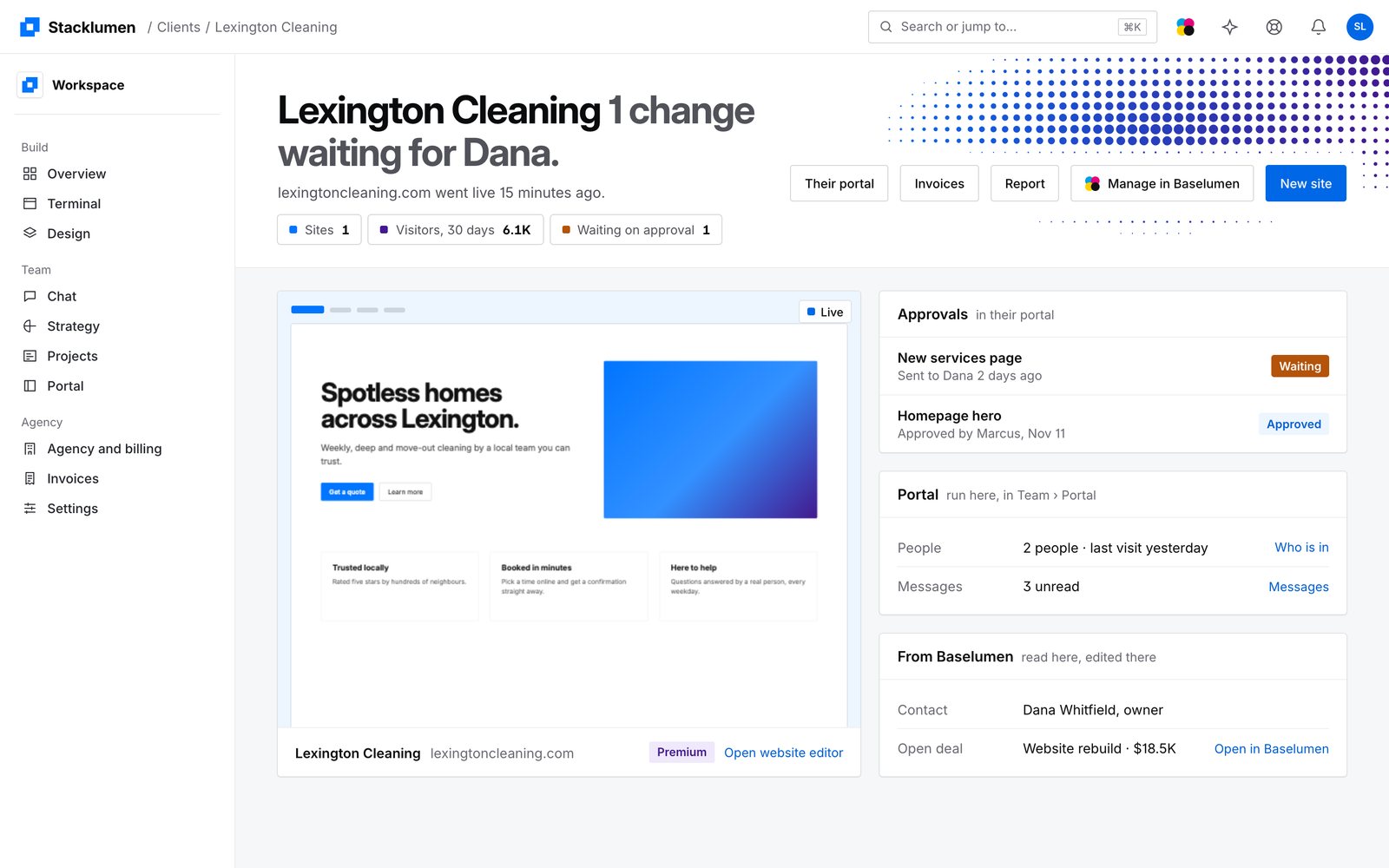
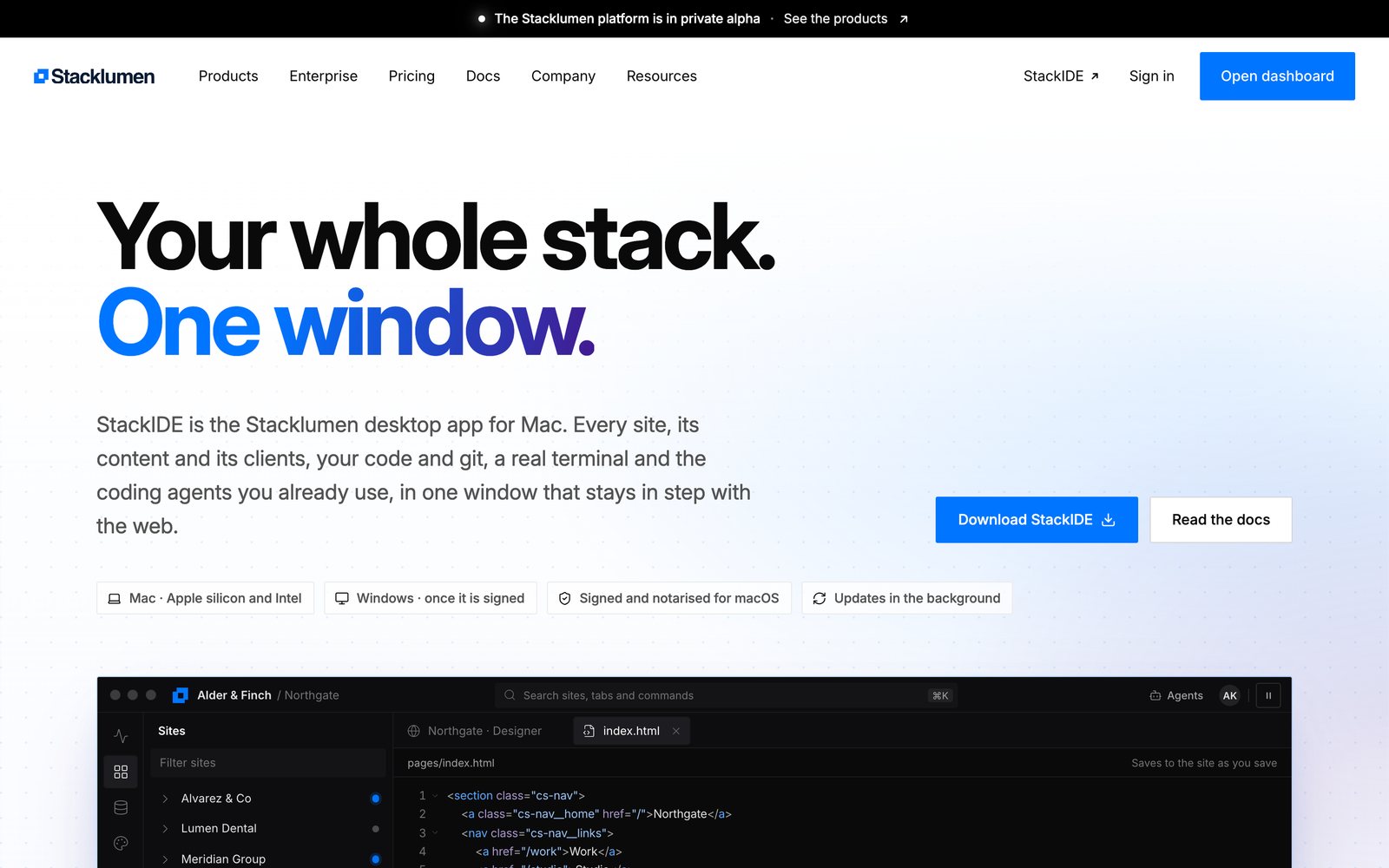
People who design sites and write code kept a browser for the site, an editor for its files and a terminal for their tools, and none of the three knew about the others. StackIDE's first layout put them in one window, but it drew its own chrome, so moving between it and the web app felt like moving between products.
The solution
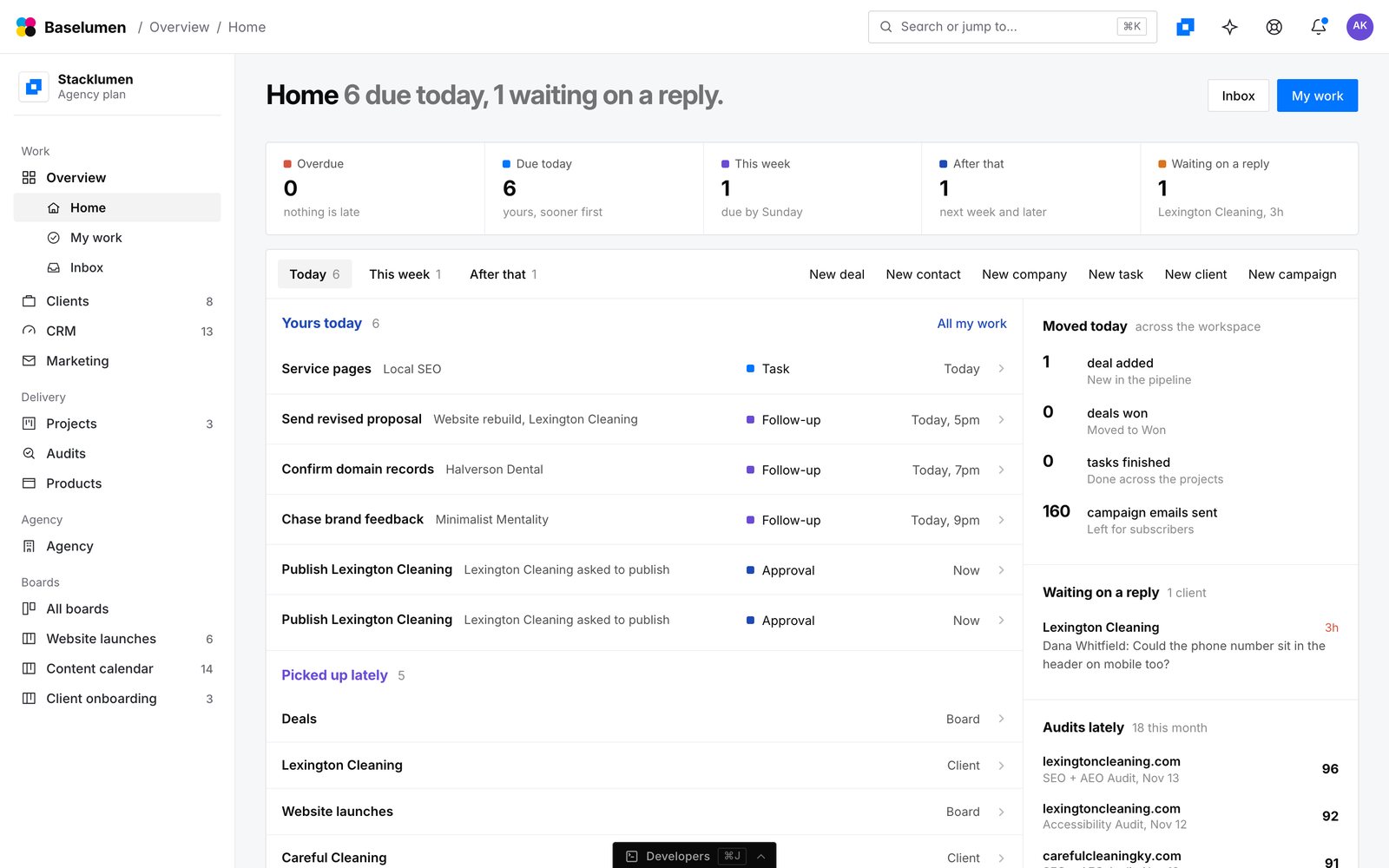
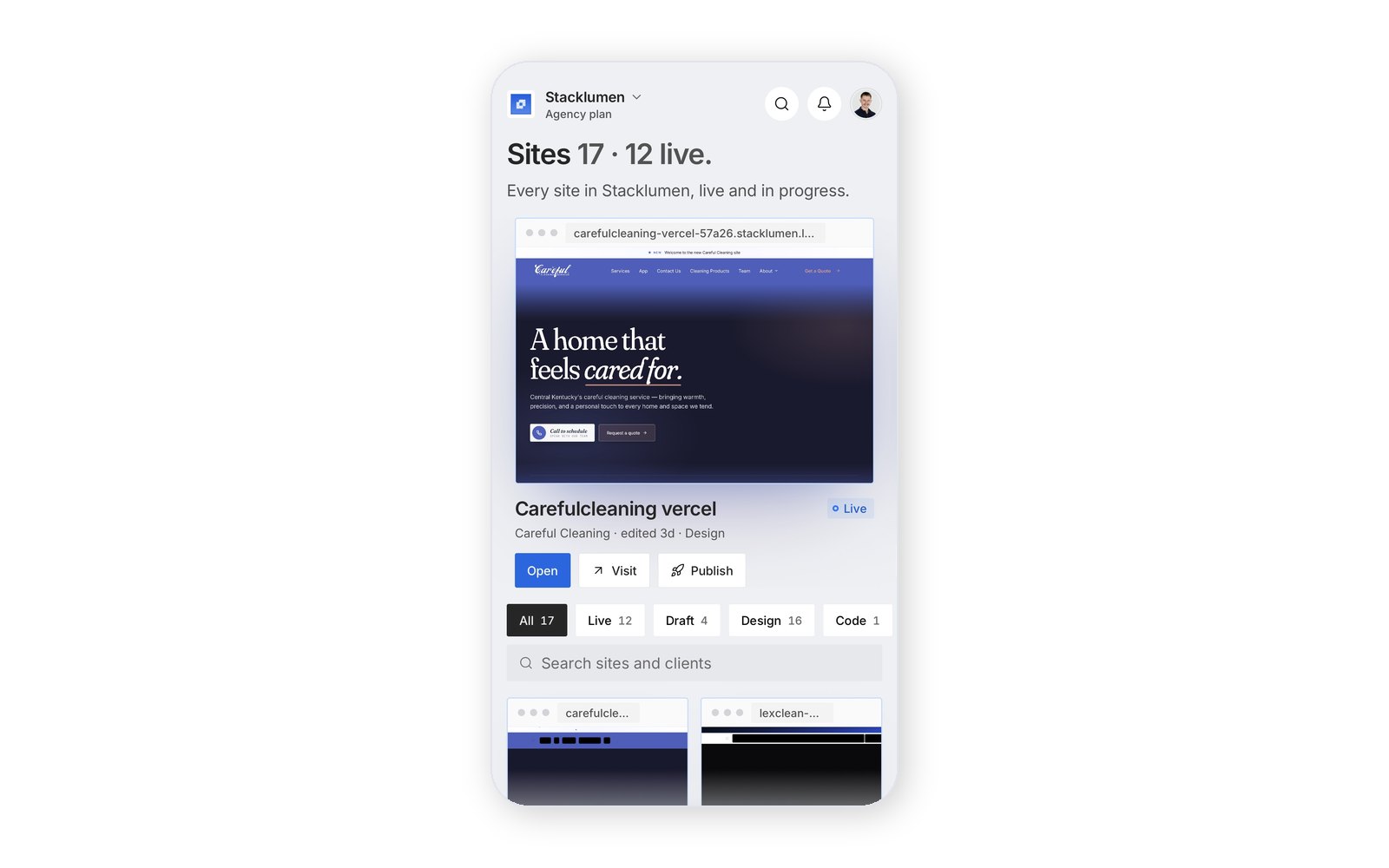
StackIDE 0.2 took the web app's Next shell as its own. Sites come first: open one and a 44px row offers its Canvas, Side by side and Code, with Preview and Publish beside them. Publish, Invite people and Start an agent are each one sheet. A first-run wizard sets up a new account over the still dot field, and guided tours place a coach card beside the real control, never over it.
One switch at the top of the sidebar turns the window between Stacklumen and Baselumen, and a theme picked in the browser is worn in the app at once.
The results
The New layout became the default for everyone in 0.2.0 on 10 November, with Classic a setting away, and ten releases followed in the next three days.
Services rendered
Product design · Desktop application · Guided tours · Release engineering