The CMS is open on every plan
Every Terminal site can now hold CMS collections and items on any plan or none. Site plans now buy Content API keys and published CMS pages.

On this page
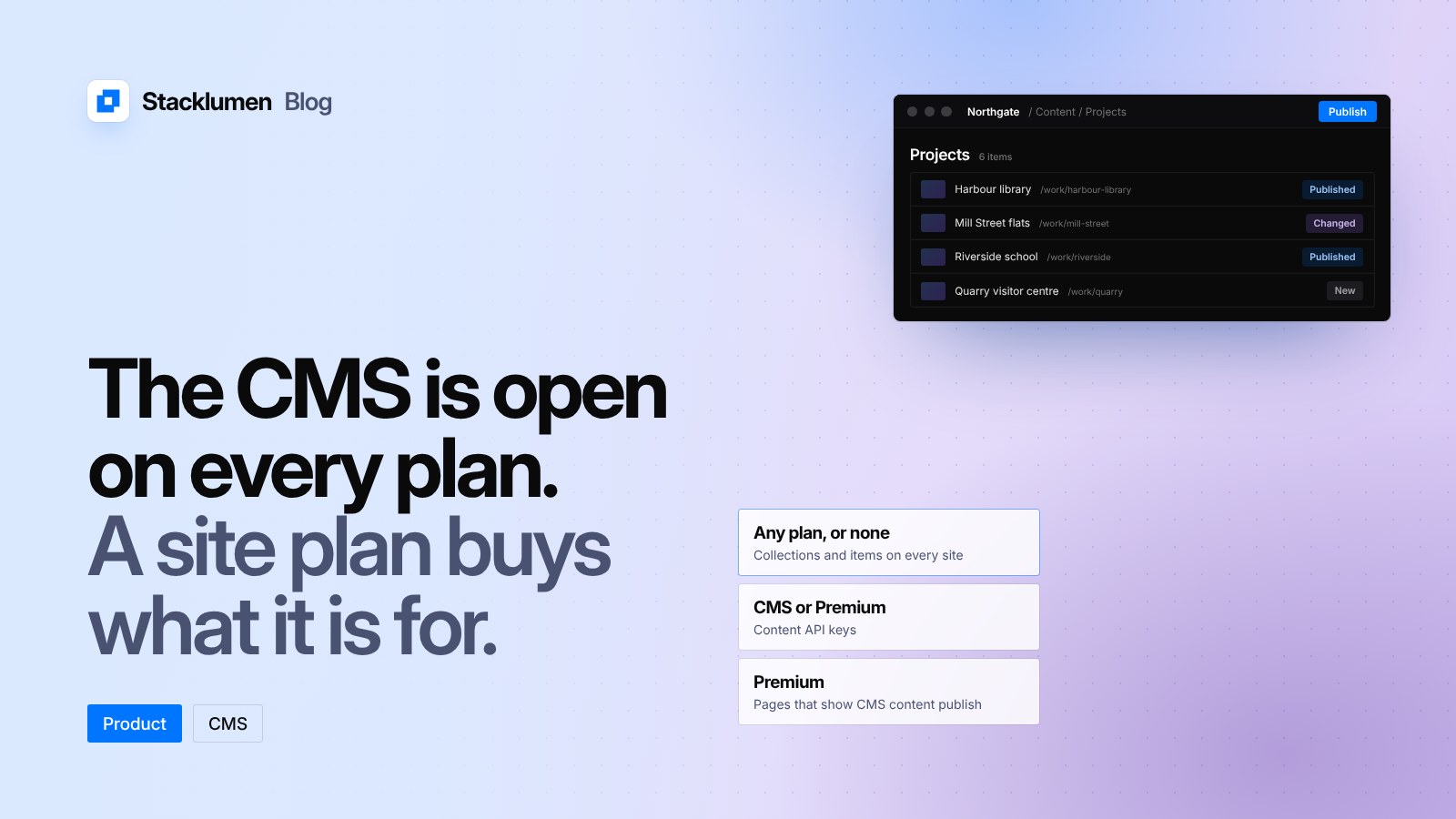
Since 26 October, every site in Terminal can hold CMS collections and items, on any plan or none. What a site plan buys now is what the CMS is for: Content API keys come with the CMS or Premium site plan, and pages that show CMS content publish on Premium. This post sets out what that means for a site you are building.
Filling the CMS costs nothing
Any site can hold up to 10,000 items and 200 collections, whatever its plan. You can model content, write it, translate it and import it from a CSV file before you decide how the site will use it.
That suits the way many projects start. An agency can load a client's projects, team or products while the design is still on staging, and choose the plan when the site is ready to go out.
What each site plan adds
Site plans were reorganised into three tiers on 22 October. With the 26 October change, this is what each one does for the CMS:
- No site plan: collections and items, up to the limits above.
- CMS site plan: Content API keys, so your own code can read the site's content. The site's own pages stay on staging.
- Basic site plan: the site on its own domain.
- Premium site plan: the site on its own domain, with pages that show CMS content, such as collection lists and item pages, published.
The pricing page lists the CMS site plan at $15 a month, Basic at $18 and Premium at $30, each billed per site on the agency's one invoice. Premium is the plan that was called CMS before 22 October, so a site already on it keeps what it had.
A content key on a site with neither the CMS nor the Premium plan answers 402 until the site has one, as the CMS page explains.
Publishing and deleting items
Edits to an item wait for a publish, so visitors and production keys keep reading what was live until you choose otherwise. Two actions now take effect straight away:
- Publish item puts an item live at once on production Content API keys and, on a Premium site, on the published pages that show it.
- Deleting an item takes it off the Content API at once, and off a Premium site's published pages too.
Publishing the whole site still publishes every new and changed item with it.
Sites read from code
On 23 October, sites whose CMS is read from your own code started showing a blue CMS badge. A site like that no longer reads as a draft just because its own pages were never published. It shows CMS in place of Draft, or Live beside CMS when its pages are also published, and it counts as live in the Overview, the Sites list, the Hub and a client's profile. Publishing a site's pages is never needed to use its CMS through the Content API.
What it means for your sites
- Start content early. There is no plan to buy before you build collections, so content and design can move in parallel.
- Pick the plan by how the content is read. If a front end you host elsewhere reads the CMS, the CMS site plan gives it keys. If Terminal publishes the pages, Premium publishes the ones that show CMS content.
- Check sites with collection lists or item pages. Those pages need Premium to publish what their items hold.
- Use Publish item for single changes. A corrected price or a new post can go live without publishing the whole site.
The details are in the CMS docs, and the FAQ covers what each site plan buys.