Code sites: Stacklumen only reads your repository
A Code site is changed on your own computer and pushed with your own git. Stacklumen reads the repository and never writes to it, and Cloud deploys what you push.

On this page
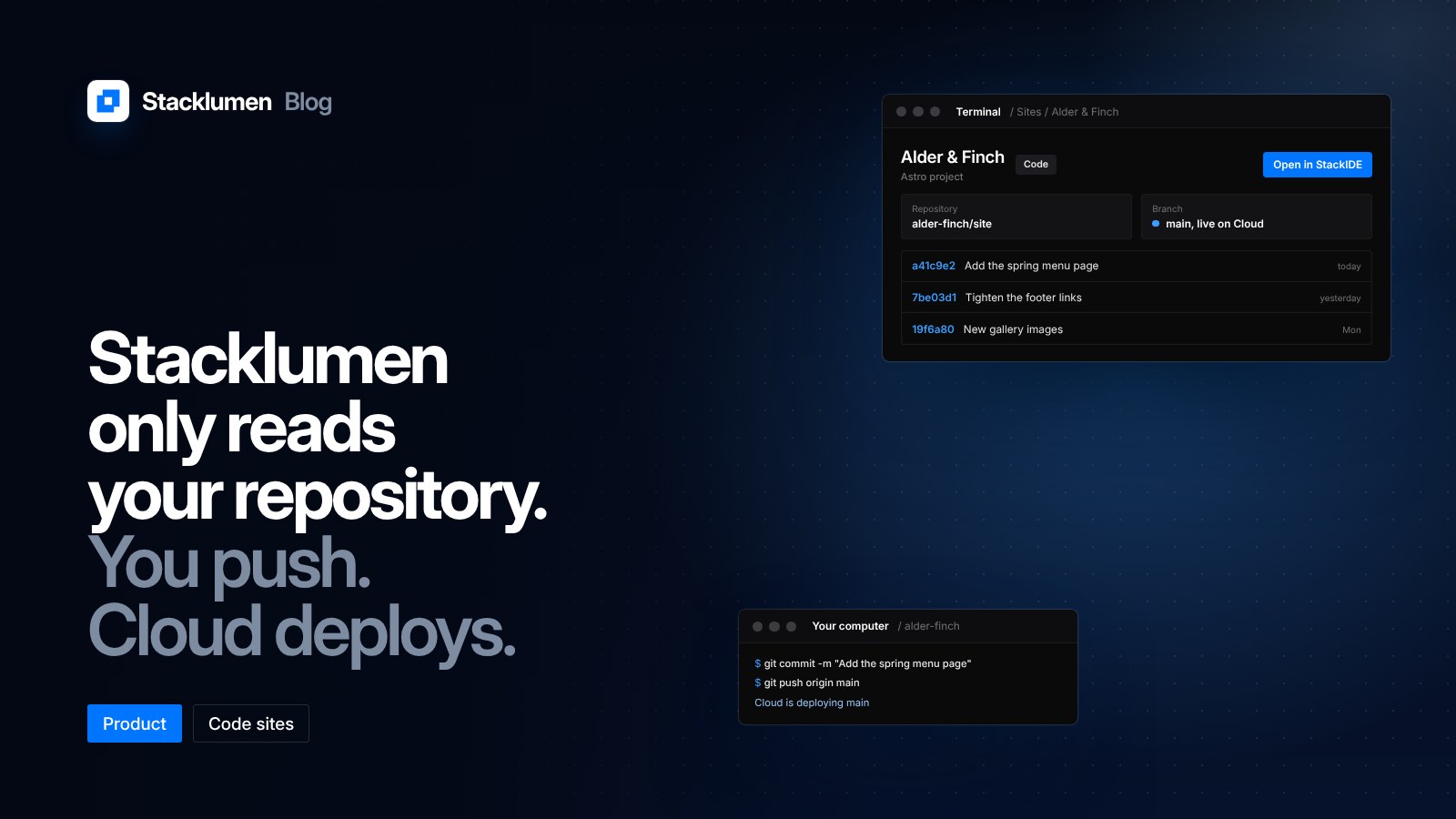
A Code site is a site whose GitHub repository is the site. Since 26 October, Stacklumen only reads that repository. You change the site on your own computer, in StackIDE or any editor, and push with your own git. Stacklumen never commits, pushes, opens or merges a pull request, or makes a repository or a branch. Terminal Cloud deploys what you push to the site's branch.
This post explains how Code sites work now, and how they differ from importing a repository into a Design site.
Two ways to start a site
Since 22 October, a new site in Terminal starts by asking how it is built:
- Design is the visual designer, as every site was before.
- Code makes one of your GitHub repositories the site, on the branch and folder you choose.
When you make a Code site, Terminal reads whether the project is Astro, React, Next or plain HTML. Its pages stay in the repository, and the designer never opens them.
What Stacklumen does and does not do
The 26 October change sets a clear line between your repository and Stacklumen.
Stacklumen reads. Link any repository you can read; a Code site needs no write access. The site's overview shows its repository, its branch, its latest commits and where Cloud has it live, with Open in StackIDE as its main action.
You write. Changes are made on your computer and pushed with your own git, to wherever you choose. Stacklumen does not commit, push, open or merge pull requests, or create repositories or branches.
Cloud deploys. Every push to the site's branch is deployed. Deploy latest commit builds the branch's newest commit whenever you like.
What still works on a Code site
A Code site is a full site in every other way. The CMS, forms, custom domains and the Content API work for it as for any other site. Code sites carry a Code badge on the Overview, Sites and Hub screens.
Agents connected to Terminal work on a Code site's CMS, forms, settings and Cloud, and edit its code where it lives, on your computer. The design tools give an agent a plain answer instead of trying to edit pages that live in the repository.
If you want to work on a Code site visually, New Design copy imports its repository into a new Design site. Nothing is converted in place.
Code sites and Design site imports
Importing a repository into a Design site still works, and it is one way too. Since 27 October, a Design site's GitHub panel only imports: Stacklumen reads the repository into the designer, and from then on the pages belong to the site while the repository keeps its own history. Our earlier post on repository imports covers that path.
The choice comes down to where the site should live:
- The repository is the source of truth: make a Code site. You edit code, you push, Cloud deploys.
- The designer is the source of truth: import into a Design site. You edit in the panels, and publish from Terminal.
What it means for your site
- Keep your own git workflow. Branches, reviews and history stay in your repository, under your rules. Stacklumen adds nothing to them.
- Give read access only. A Code site never needs write access to the repository, which keeps the permissions you grant small.
- Deploy by pushing. Push to the site's branch to deploy, or use Deploy latest commit to rebuild without a new push.
- Use the CMS from code. A Code site can still keep its content in Terminal's CMS and read it through the Content API.