Scroll-driven animations now work in every major browser
Firefox 159 turned on scroll-driven animations, making them Baseline across Chrome, Safari and Firefox. Chrome 155 and Firefox 158 also started decoding JPEG XL images by default.

On this page
Firefox 159 shipped on 27 October 2026 with scroll-driven animations turned on by default. With Chrome and Safari already supporting them, the feature is now Baseline Newly available, which means it works in the current version of every major browser. The same month, Chrome 155 and Firefox 158 started decoding JPEG XL images by default.
These changes come from the October round-up on web.dev, which lists Chrome 155 and 156, Firefox 158 and 159, and Safari 27.1 and 27.2 as the month's stable releases, and from Mozilla's and Google's own release notes.
Scroll-driven animations
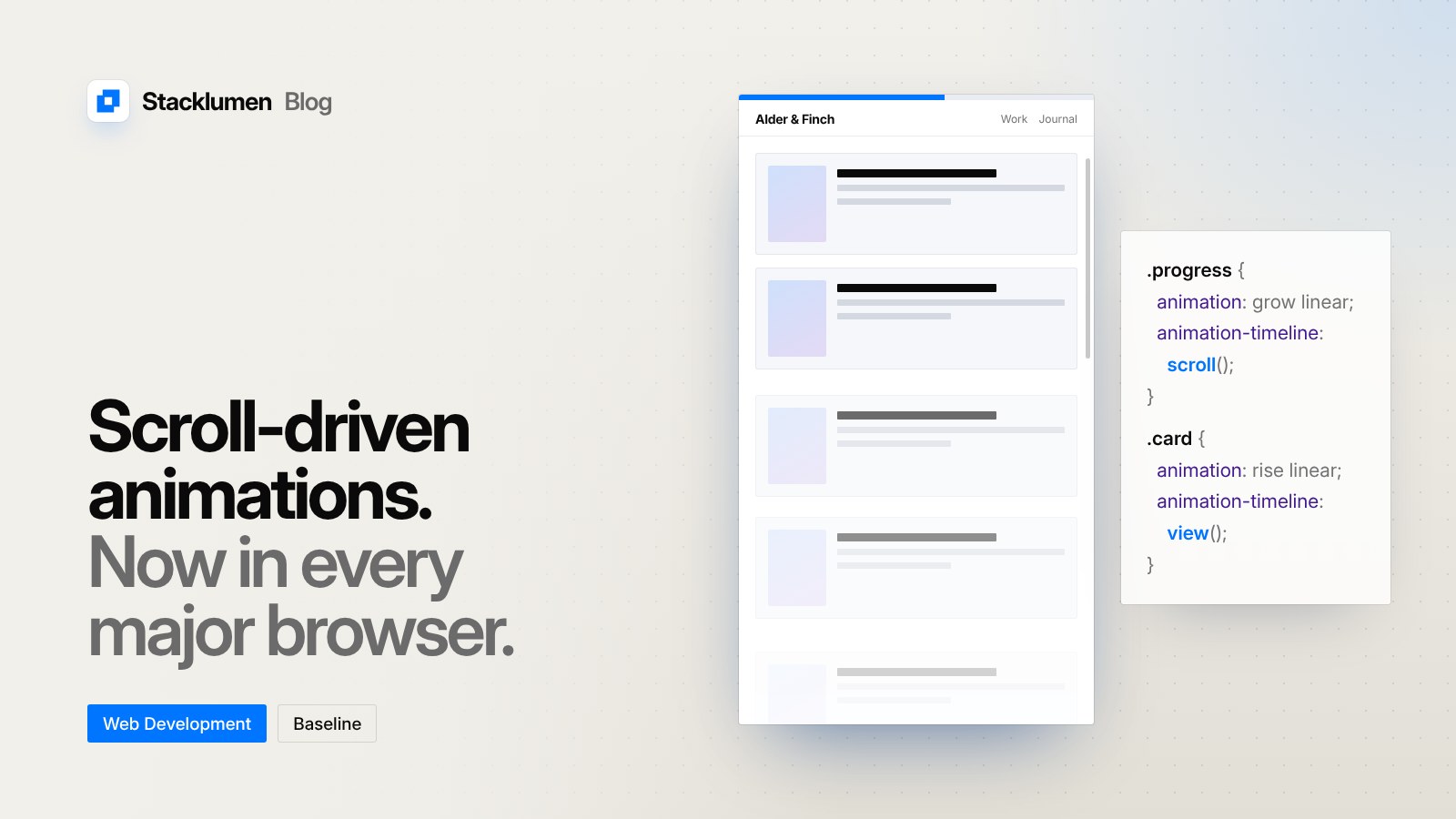
A normal CSS animation runs against time. A scroll-driven animation runs against scrolling instead. Mozilla's release notes describe it this way: the feature lets you "animate property values along a scroll-based timeline (that is, by scrolling a scroll container) rather than along the default time-based document timeline."
There are two kinds of timeline:
- Scroll progress timelines follow how far a scroll container has been scrolled. You set one with the
scroll-timelineproperty, oranimation-timeline: scroll(). A reading progress bar at the top of an article is the usual example. - View progress timelines follow an element as it moves through the visible part of its scroller. You set one with
view-timeline, oranimation-timeline: view(). Cards that fade in as they scroll into view are the usual example.
Both are plain CSS. Until now, effects like these were usually built with JavaScript scroll listeners or a script library. With the feature in every major browser, they can be written as ordinary keyframes and attached to a timeline instead.
Scoped custom element registries
Firefox 159 also added scoped custom element registries, and web.dev lists this as Baseline Newly available too. Mozilla's notes say the feature "allows a shadow tree to create an independent CustomElementRegistry whose definitions only apply to that specific DOM subtree." The stated use is to avoid collisions when two web components define elements with the same name. The customElementRegistry property is available on Document, Element and ShadowRoot, and the CustomElementRegistry() constructor creates a registry for scoped use.
This matters most to teams that load web components from more than one source on the same page.
JPEG XL in Chrome and Firefox
Google announced on 6 October that Chrome is "shipping decoding support for the JPEG XL (.jxl) image format starting from Chrome 155." Firefox 158, released on 13 October, also enabled JPEG XL by default. Mozilla describes it as "a royalty-free raster image format that supports lossy and lossless compression, transparency, animation, and HDR", which can also "losslessly transcode existing JPEG images."
Firefox 158 now includes image/jxl in the Accept header it sends with image requests. Servers and image services that choose a format from that header can use it to decide when to send JPEG XL.
Google's post does not say JPEG XL replaces other formats. It says JPEG XL should be "most helpful for high-fidelity or lossless compression", and recommends "trying both AVIF and JPEG XL to get the best results."
Smaller changes in Firefox 158
- CSS typed arithmetic.
calc()and other math functions can now divide two values of the same type, even in different units, and get a unitless number back. web.dev lists this as Baseline Newly available. PerformanceResourceTiming.deliveryType. This property reports how a resource was delivered. The first supported value iscache, for resources served from the cache.
What it means for your site
- Review scroll effects that use JavaScript. Progress bars, reveal-on-scroll sections and simple parallax can now be written in CSS with
animation-timeline. Moving them out of scripts means less code running on every scroll. - Keep motion optional. Scroll-driven animations are still animations. Wrap them in a
prefers-reduced-motionmedia query so visitors who turn motion off are not shown them. - Test before you rely on it. Baseline Newly available means current browsers only. Visitors on older versions will not see the effect, so make sure the page still reads correctly without it.
- Consider JPEG XL for high-quality images. For photography and images where fidelity matters, it is worth testing alongside AVIF. Serve it with a fallback, for example through a
<picture>element, so browsers that do not decode it still get an image. - Check your image pipeline. If your host or image service picks formats from the
Acceptheader, check whether it now offers JPEG XL to Firefox.