Cloudflare adds spending limits that can pause Workers at a cap
Cloudflare's new Spend Management beta lets pay-as-you-go accounts set a monthly limit on Workers and Durable Objects, with email alerts and an automatic pause when the limit is reached.

On this page
Cloudflare has added spending limits that can stop a product's usage once its spend reaches a cap. The feature is called Spend Management. It was announced on 13 November 2026 as a beta for pay-as-you-go accounts, and it starts with two products: Workers and Durable Objects.
Until now, Cloudflare's usage notifications and budget alerts could tell you that spend was rising, but they could not stop it. In the announcement, Cloudflare puts it this way: "informing is not the same as controlling." A spending limit is the control.
What a spending limit does
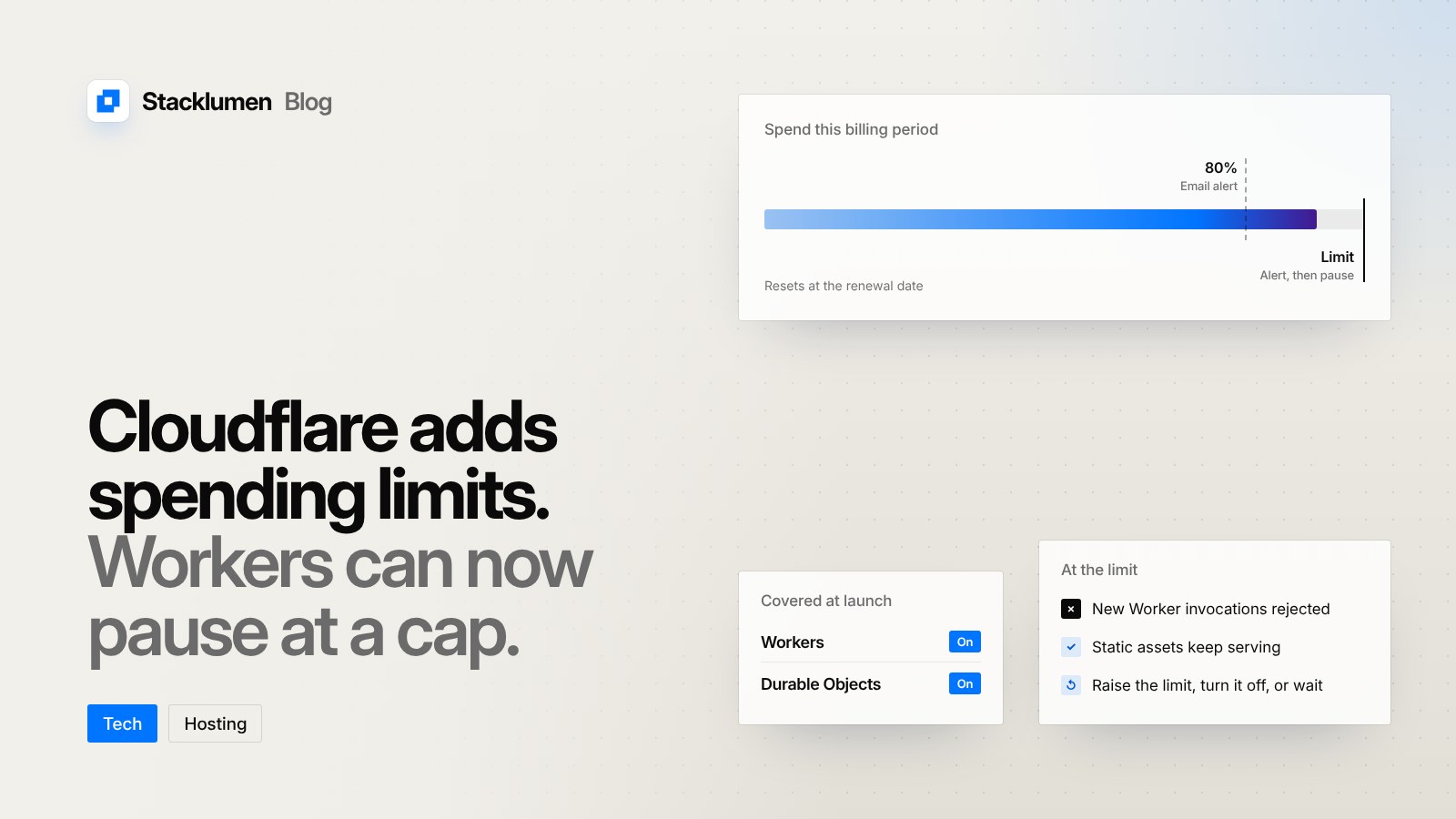
You set a monthly limit in US dollars for each supported product. Each product has its own limit, and it applies to that product's combined usage across the whole account, not to a single Worker or Durable Object namespace.
When estimated spend reaches the limit, Cloudflare blocks the product's supported operations. For Workers, new invocations are rejected. The announcement says Cron Triggers and Queue consumer invocations are paused too, while static assets keep being served. Only customer code that incurs costs is paused.
Some things are not covered by the Workers limit, according to the documentation:
- Other products, such as Workers AI, KV and R2, have no limit of their own yet.
- The Workers Paid subscription fee is charged separately.
- Durable Objects that are paused still incur charges for the data they store.
- AI Gateway has its own, separate spend limits.
Alerts
A limit can send email. Policies with an email address notify at 80% and 100% of the limit. A limit created in the dashboard has no email recipient by default; the documentation says to add one through Cloudflare's command-line tool. If spend jumps past both thresholds between checks, you may only receive the 100% email.
Email alerts on their own never block usage. Only the limit does.
Setting one up
In the dashboard, go to Billing for your account and open Spend Management. In the Workers or Durable Objects row, choose to edit the spending limit, enter a monthly amount above zero and save it. Saving turns the limit on. You need permission to edit billing settings.
Limits can also be managed with the cf command-line tool, using its billing spend-policies commands, or through the spend policies endpoint of the REST API. Every change to a limit is recorded in the Spend Management audit log and in the account's audit logs.
Getting a paused product running again
There are three ways back:
- Raise the limit above the spend already counted for the current billing period.
- Turn the limit off, or remove it.
- Wait for the next billing period, when the block expires on its own.
Changes can take a few minutes to apply.
The limits of a limit
Cloudflare is clear that a cap is not a guarantee. The documentation states: "A limit does not guarantee a maximum invoice amount." Spend is estimated, and the dashboard figures are near real time, which the announcement describes as under 10 minutes. Metering delays and operations already in progress can push spend past the limit, and a "limit reached" status does not mean blocking has finished spreading across the network. Your invoice remains the final record.
The billing period also matters. It starts on the date your paid subscription renews, not on the first of the month or the day you deployed.
What it means for your site
- If a client site or form handler runs on Workers, a limit can protect against a runaway bill, but it can also take that code offline. Decide which matters more for each account before you turn it on.
- Because the limit covers every Worker in the account, one busy project can pause the others. Agencies with several clients in one account should keep that in mind.
- Add an email recipient, so a pause is never a surprise. A dashboard-only limit stays silent.
- Check which parts of a site would keep working. Static assets continue to serve, but anything that relies on Worker code, such as an API route or a form endpoint, would stop.
- Keep watching the invoice. The limit is a safety net, not a ceiling.