WebKit previews spatial CSS for 3D content
WebKit has published a developer preview of spatial CSS, a proposed way to place, light and move 3D models with CSS. It runs only in Safari on visionOS behind a flag, and the syntax is a draft.

On this page
On 16 November the WebKit team published a developer preview of spatial CSS: a proposed set of CSS features for placing, lighting and moving 3D content on a web page. It is an early proposal, not a finished standard, and the preview runs in one place only: Safari on visionOS 27.3, behind a feature flag. It is still worth knowing about, because it shows how 3D on the web may be written in future: as CSS, not as a script.
What WebKit has shipped so far
The building block is the <model> element, which shows a 3D file on a page. WebKit says <model> is now available in Safari 27 on all platforms.
Spatial CSS is a layer on top of it. WebKit calls it a "limited feature preview of the proposed spatial CSS API", and the draft lives at the CSS Working Group as CSS Spatial Layout Module Level 1. That document is an Editor's Draft dated 16 November 2026, and it says it is for discussion only and may change at any moment.
What the preview includes
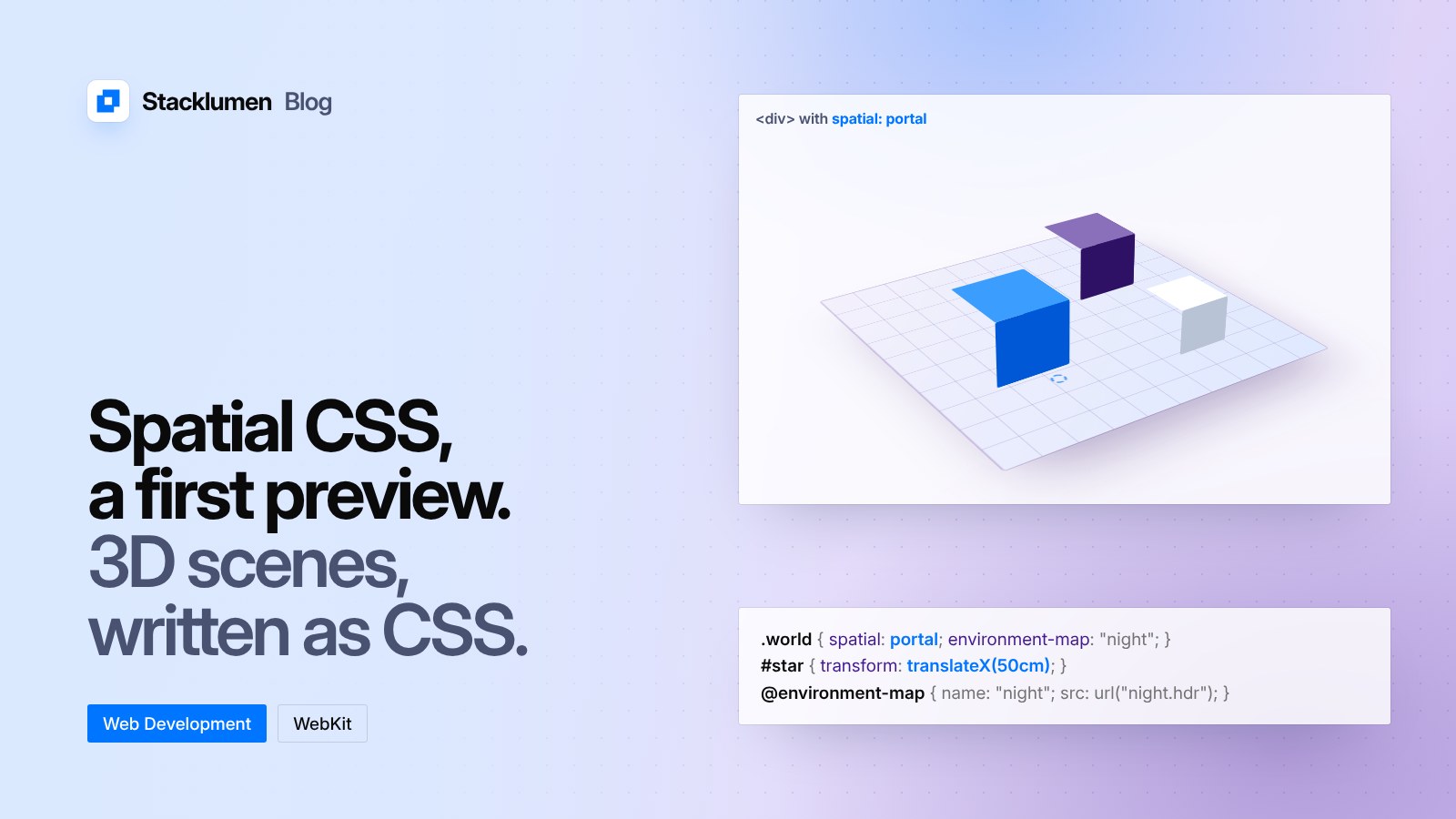
WebKit describes the proposal as "a lot of small tweaks to existing syntax". The preview has six parts:
spatial: portalon a container, such as a<div>or a<figure>, makes its children share one 3D space.transformmoves, rotates and scales models inside a portal. It is the same property you already use for 2D, acting as a true 3D transform inside the portal. WebKit's example moves a model withtransform: translateX(50cm).position-anchorplaces a model relative to anchor points inside another model, borrowing from CSS anchor positioning. Anchor points can be animated.@environment-mapdefines lighting that several elements can share, in the way@keyframesdefines an animation once for reuse. The preview supports 360-degree HDR images only.portal-action: orbitlets visitors rotate the scene in place.requestVolumetricScene(), called on the portal from a user action such as a click, moves the scene out of the browser and into the visitor's space on visionOS. The page stays linked to it and can keep updating it.
The draft specification goes further than the preview. It also lists properties such as portal-stage, portal-transform, front-limit, inset-front and inset-back, and a spatial-absolute value for position.
Built for more than headsets
WebKit says "spatial web standards should support designing for browsers wherever they run", and notes the rise of 3D content on phones, tablets and computers as well as headsets. Because the proposal is CSS, the tools you already use apply: media queries for aspect ratio, colour scheme and reduced motion can adapt a scene, and numeric values can be animated and transitioned.
How to try it
On Apple Vision Pro, or in the visionOS Simulator, which can be installed from Xcode, go to Settings > Apps > Safari > Advanced > Feature flags and turn on CSS Portals. WebKit has published a demo page, a puzzle built from a board and blocks. Feedback goes to bugs.webkit.org.
What it means for your site
- Nothing changes today. The preview needs a feature flag on one device. No visitor will see spatial CSS on your site unless they have turned that flag on.
- Don't ship it to production yet. The names and syntax are a draft and may change. Treat it as something to read and try, not something to build on.
<model>is the part you can use now. If you show products or objects in 3D,<model>is available in Safari 27. Check how your pages look in browsers that do not support it, and give those visitors a still image.- Keep 3D optional. Anything a visitor needs, such as a price, a size or a button, should still be on the page as ordinary content.
- Follow the draft if 3D matters to your clients. Sites that show physical products are the likeliest to use it. The Editor's Draft is where changes to the syntax will appear.