GitHub Copilot can now check your changes for secrets before you merge
GitHub has added its secret scanning detectors to Copilot's security review, in public preview, so developers and agents can catch exposed keys and passwords in code changes before they are merged.

On this page
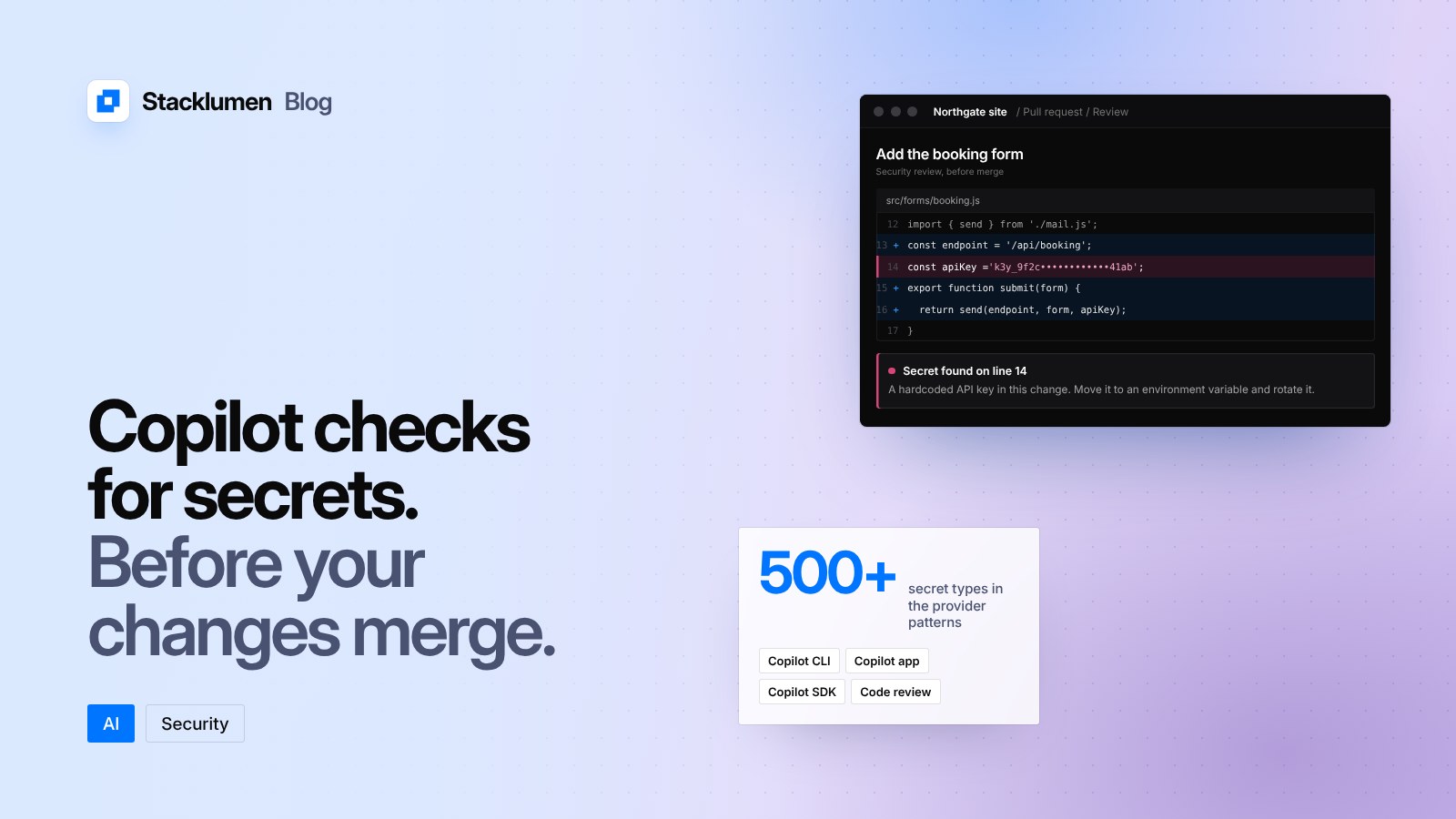
GitHub has added its secret scanning detectors to the security review built into Copilot, its AI coding assistant. The change was announced on 17 November 2026 as a public preview. It lets a developer, or an agent working for them, check code changes for exposed secrets such as API keys, tokens and passwords before those changes are merged.
What changed
Copilot's security review already looked for exposed secrets using analysis by a language model. Once you opt in, it now also runs GitHub's secret scanning detectors on the same changes. GitHub describes two kinds of detection:
- Provider patterns that cover more than 500 secret types, built with more than 150 industry partners.
- A fine-tuned model that reads the surrounding code to find likely secrets with no fixed pattern, including passwords and credentials inside connection strings.
The scan checks your changes only. It does not search the repository's history.
Where it works
The feature is in public preview in four places:
- Copilot CLI
- Copilot app sessions
- Copilot SDK integrations
- Copilot code review on pull requests
VS Code is not included in this release. GitHub says no additional plan is needed for these Copilot experiences, but scans use AI credits, billed under the Secret Protection AI Credit SKU. The feature is off by default.
How to turn it on
- Copilot CLI: run
/settings aiSecretDetection onin an interactive session. Then run/security-review, or have the session delegate the work to thesecurity-reviewagent. - Copilot app: turn on AI secret detection under Settings, then Experimental. Then run
/security-review, or delegate tosecurity-review. - Copilot code review: in the repository's Settings, open Copilot, then Code review, and turn on Secret scanning under Security. Then request a review from Copilot on a pull request, or set up automatic reviews.
- Copilot SDK: set the
SECURITY_REVIEW_FINE_TUNED_MODELfeature flag totruewhen creating a session, and configure GitHub authentication on the client. A model provider's API key alone is not enough, and tokens issued by your integration's own OAuth app are not supported yet.
How it differs from repository secret scanning
GitHub already offers secret scanning on repositories. According to GitHub's documentation, it looks for hardcoded credentials across the full Git history on all branches, and also scans issues, pull requests, discussions, wikis and secret gists. It runs automatically and at no cost on public repositories. Private and internal repositories owned by an organization need GitHub Secret Protection, available on GitHub Team or GitHub Enterprise Cloud.
The new preview works at a different point. It runs inside Copilot on the changes in front of it, before they are merged, rather than across everything already in the repository.
What it means for your site
- Website code often handles keys: for form handlers, payment providers, email services, maps and content APIs. A key committed to a repository can be read by anyone who can read that repository.
- If your team, or the agents you use, already work in Copilot, turning this on adds a check at the moment a secret is easiest to remove: before it is merged.
- It does not look at history. Keys committed in the past still need repository-wide secret scanning or a manual review.
- Keep keys in environment variables or your host's secret settings, not in source files.
- If a scan or an alert finds a key, GitHub's documentation advises rotating the affected credential immediately. Rewriting Git history is optional and often unnecessary once the old credential has been revoked.